The dashboard
Served by the collector itself at /dash, from the same process and the same
SQLite file. One thing to keep alive, one URL, no CORS.
 |
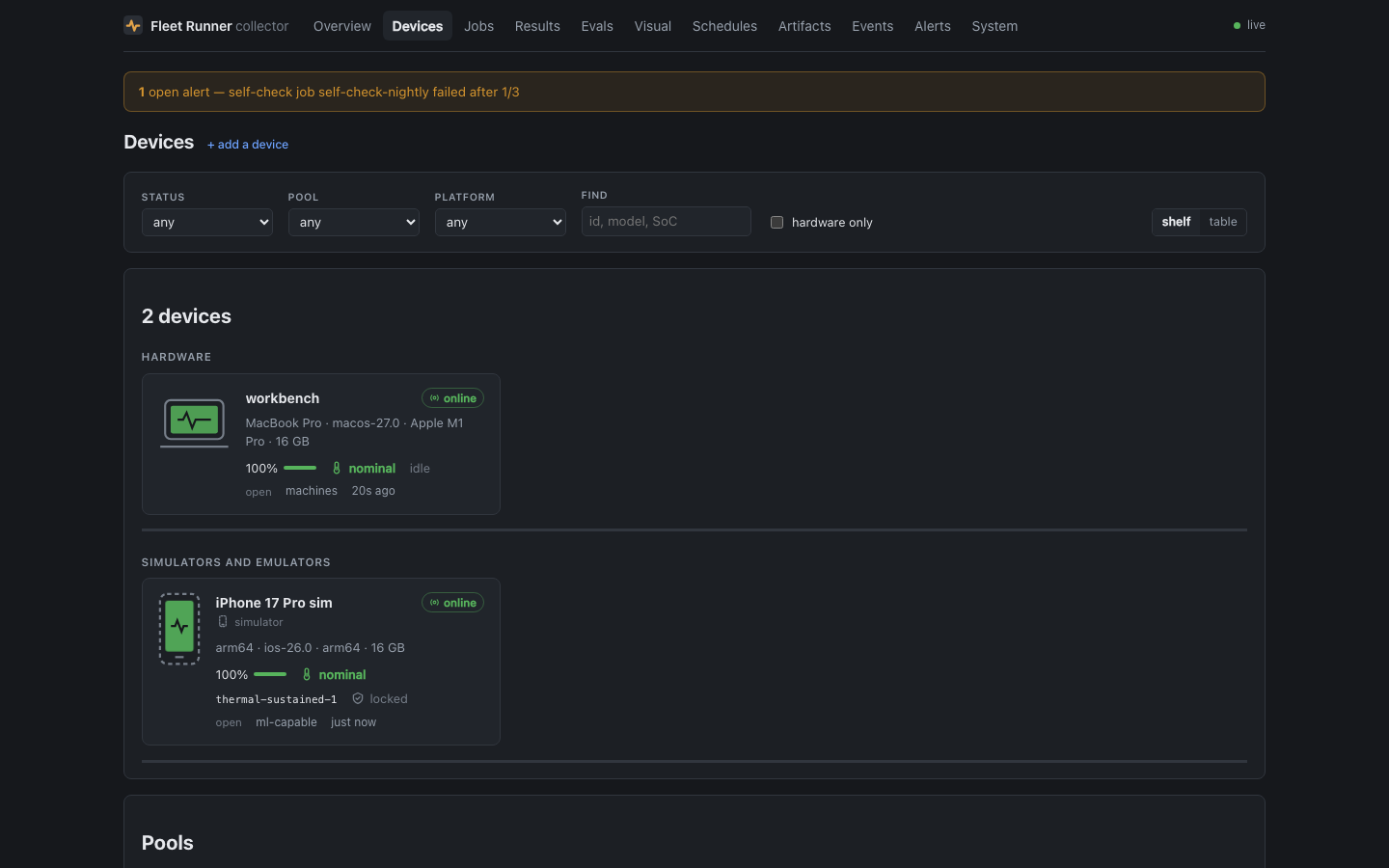 |
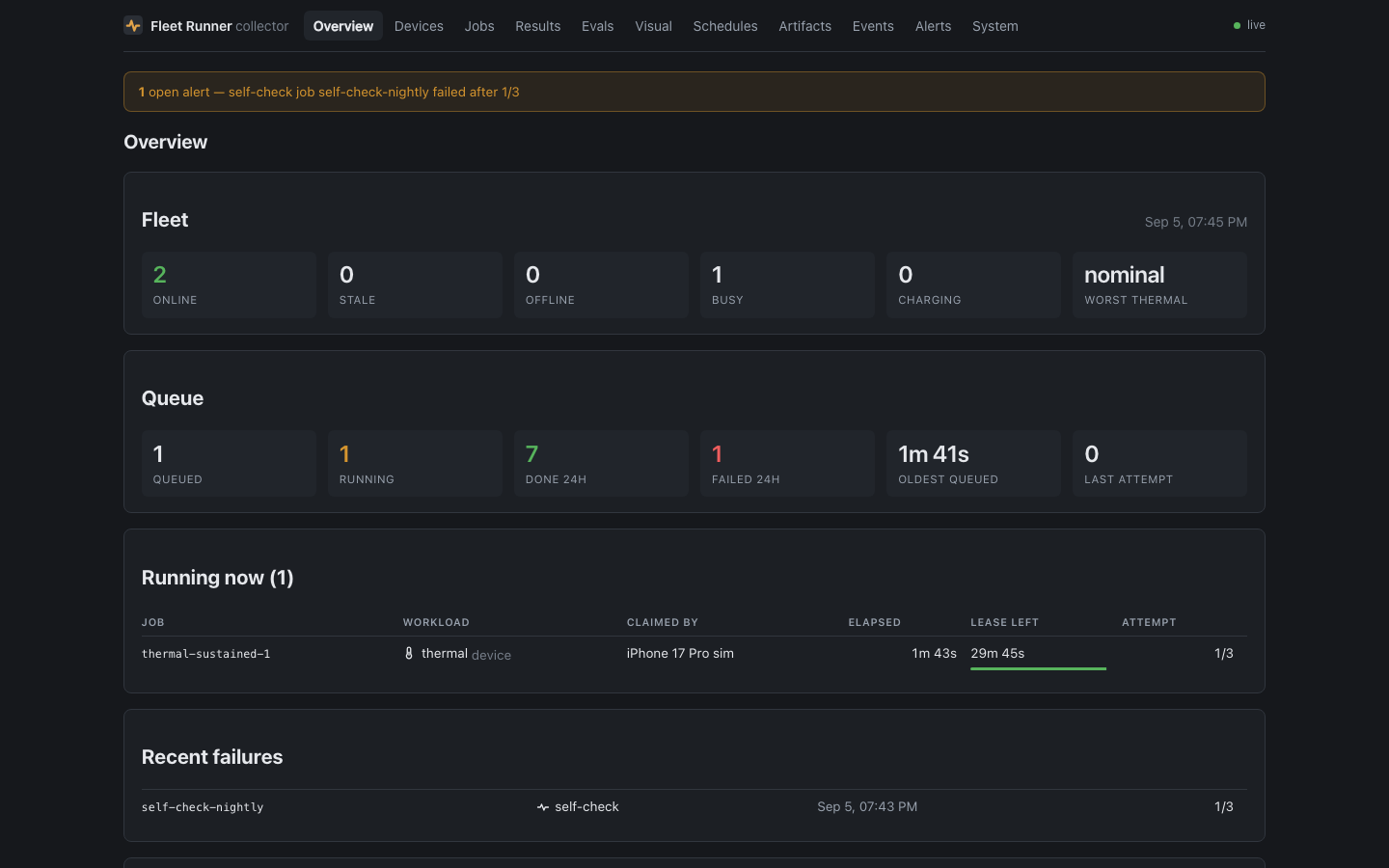
| Overview — the fleet and the queue at a glance, and what is running now | Devices — every phone on the shelf with battery, thermal state and what it is doing |
 |
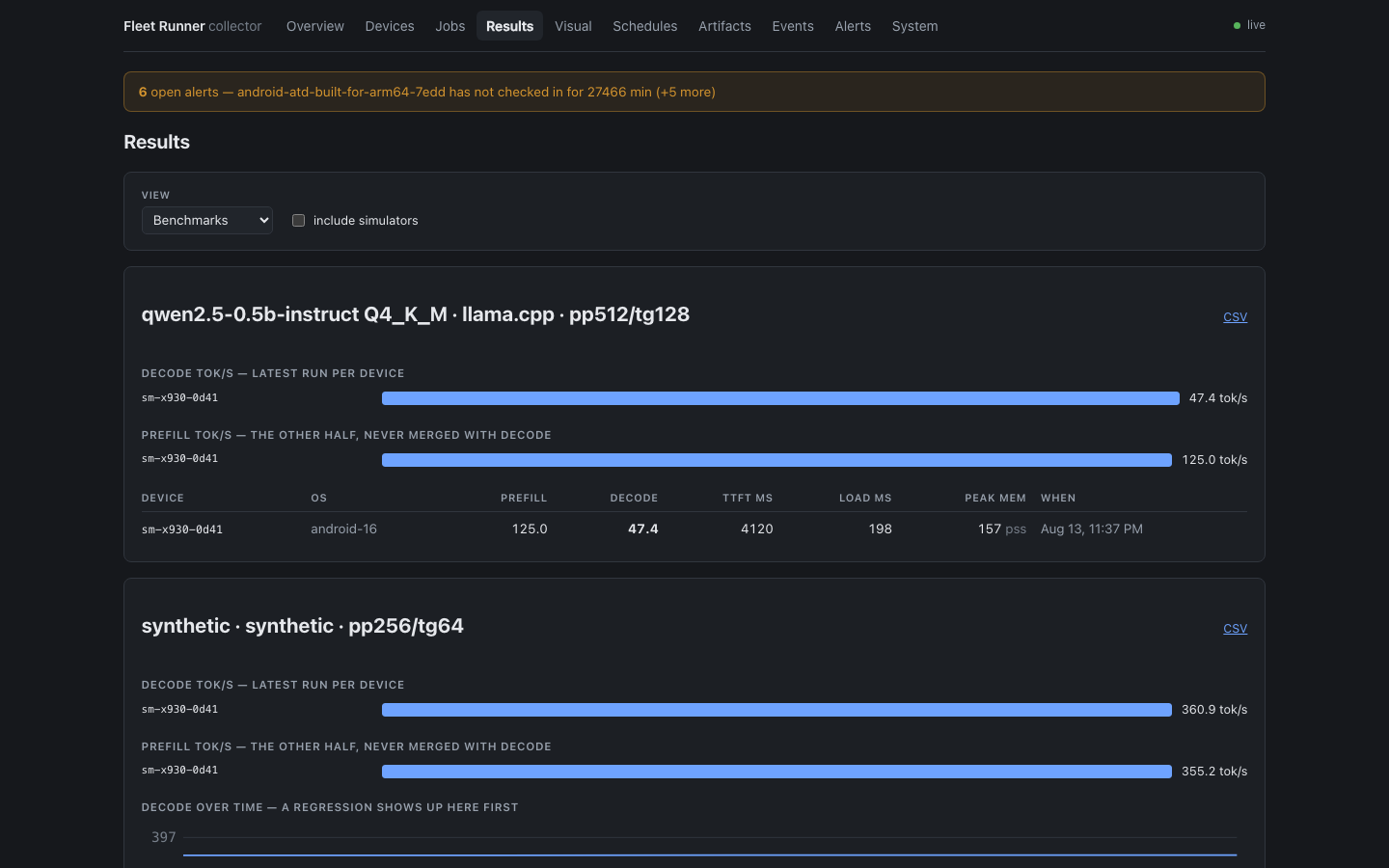 |
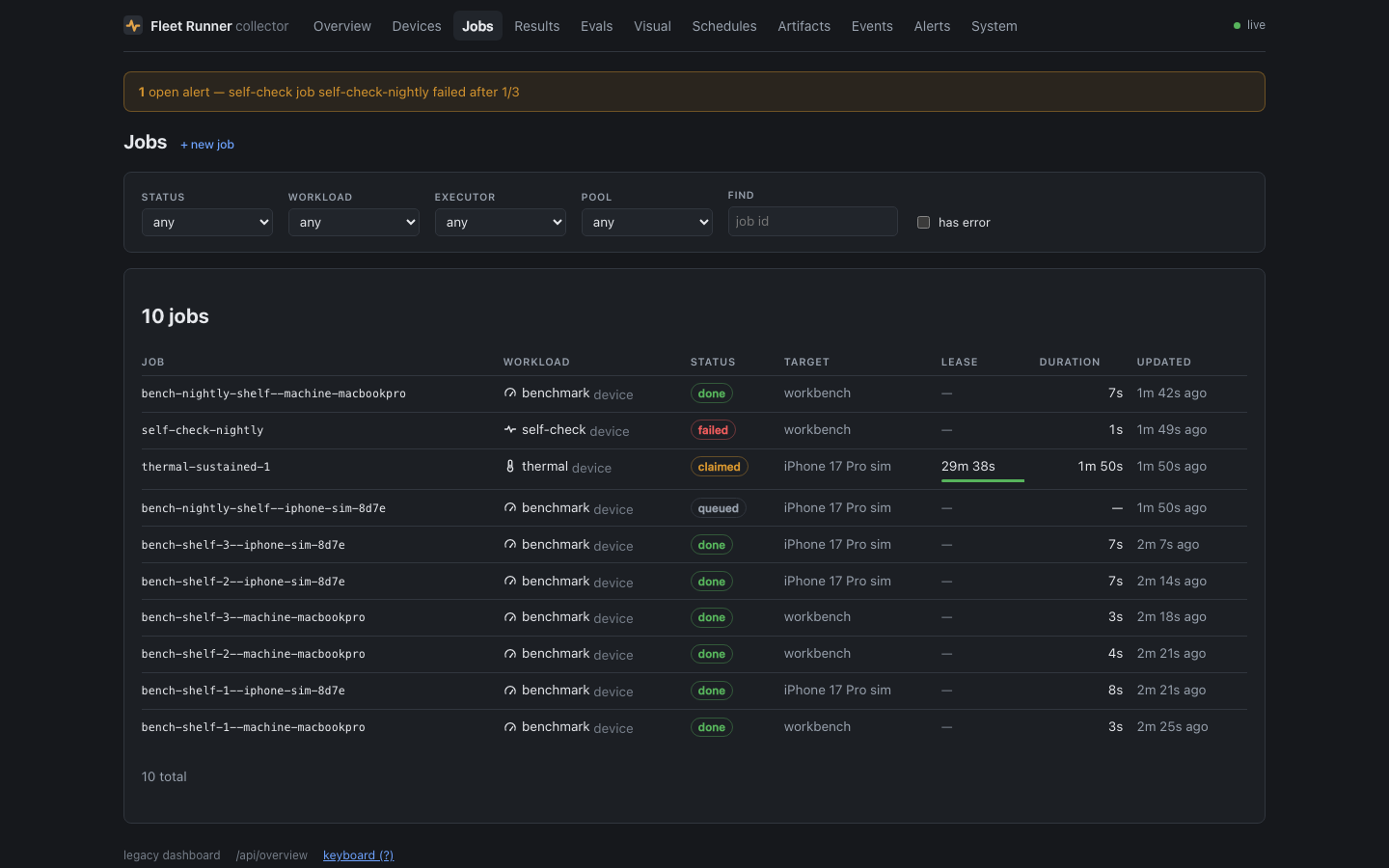
| Jobs — the queue, with a composer and cancel/retry | Results — benchmark trends, eval accuracy, UI-test matrices, drain curves |
 |
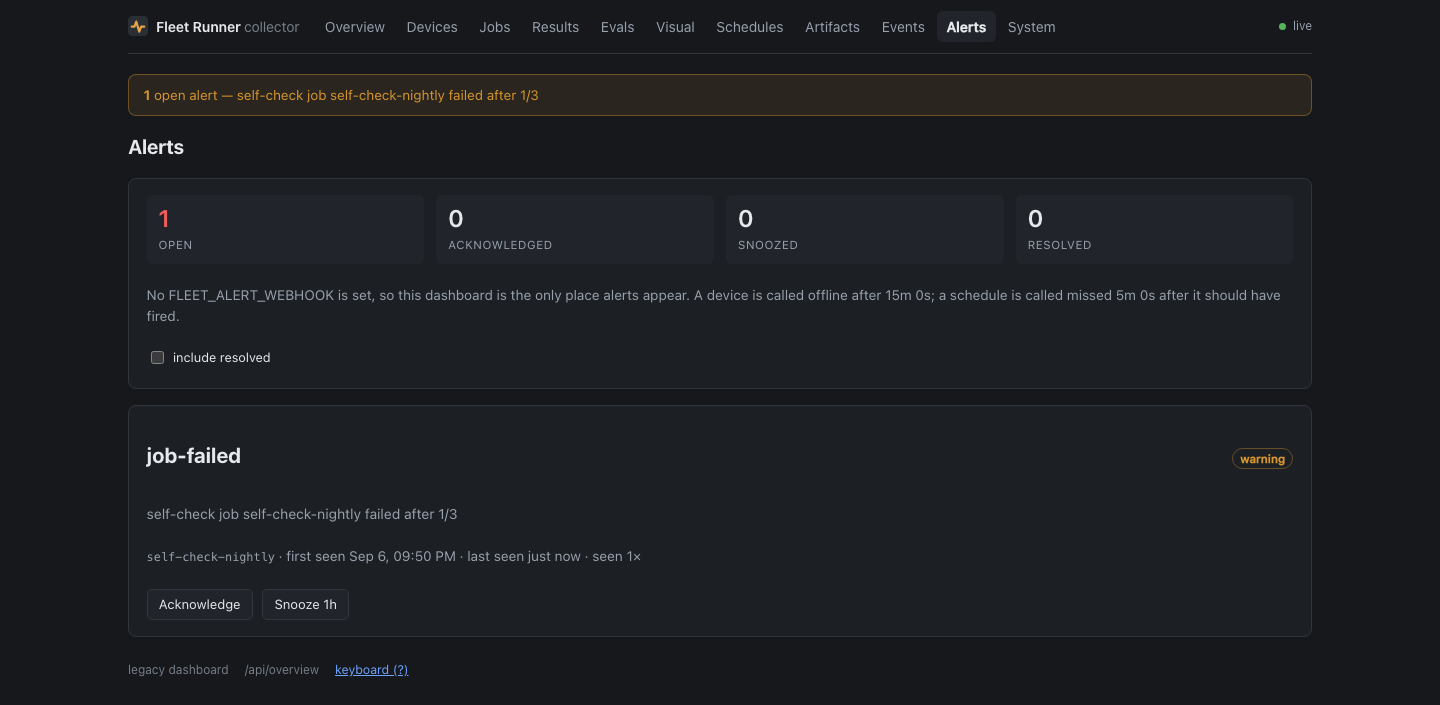 |
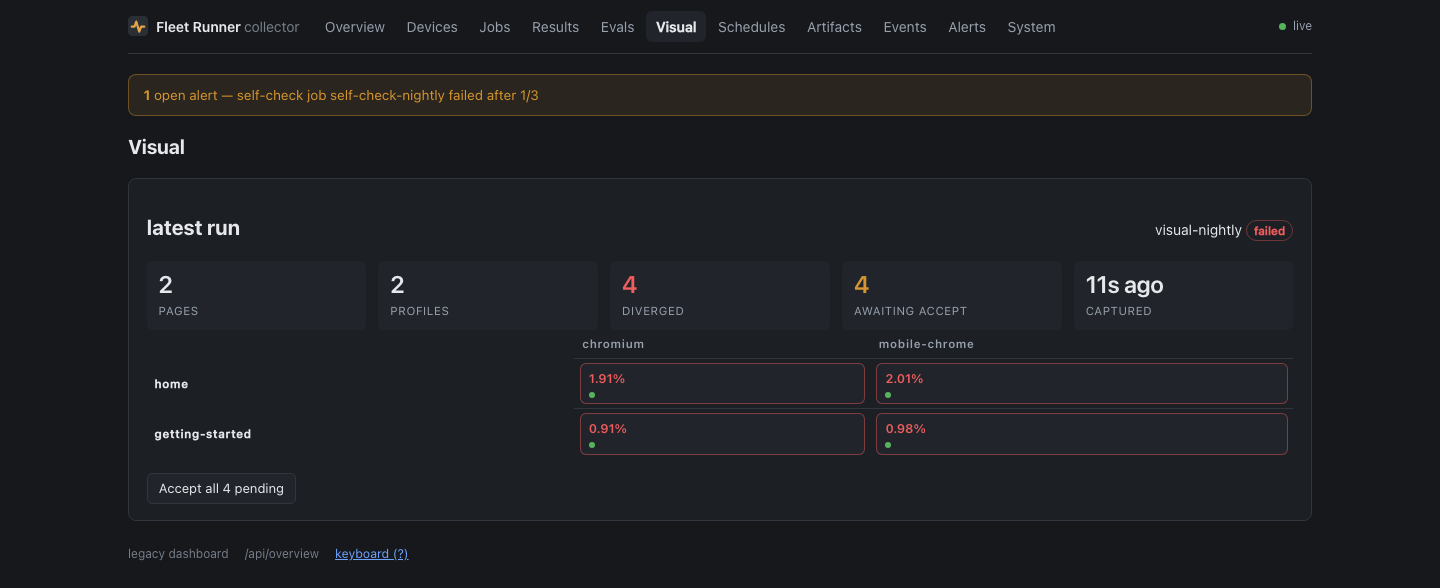
| Visual — every page across every profile, diffed against its accepted baseline | Alerts — one row per condition for as long as it holds, with acknowledge and snooze |
Building it
The dashboard is a Preact app with its own package.json, built by Vite, and
its output is gitignored. The build is optional: with no dash/dist the
collector serves a page telling you to run it, and everything else keeps
working.
npm run dash:install && npm run dash:build
npm run dash:dev     # Vite on :5178, proxying /api to a live collector
dash:dev proxies to FLEET_URL, so you can develop the UI against the real
fleet without a mock.
What is there
The Overview, Devices, Jobs, Schedules, Evals, Visual, Artifacts, Events, Alerts and System screens, with live updates over SSE. Device detail has a 24 h battery and thermal chart; job detail has per-device results, beacons and artifacts.
Filters live in the URL, so a filtered view is a link you can send. Jobs can be composed, enqueued, cancelled, retried and reprioritised; devices can be renamed, annotated and re-pooled; schedules enabled, fired now and deleted; artifacts uploaded and garbage-collected.
Alerts appear as a banner on every screen. The layout works on a phone, and ?
lists the keyboard shortcuts — g j jobs, g d devices, g n new job, /
search.
Naming devices
A device id is a machine's answer to "who are you" — sm-x930-0d41,
sdk-gphone64-arm64-b386. Fine in a job spec, useless for knowing which slab of
glass on the shelf just went thermally critical at 3am.
Click a device's name in the list to rename it. There is no separate nickname field: the name is what the device is called, and an unnamed device shows its id because until you name it, that is its name.
The name then appears everywhere the dashboard prints that device. The id stays
available on hover and on the device's own page, since it is what job specs pin
and what adb devices prints.
Names are operator-set and survive re-registration, like pool overrides — see why pool edits go to a different column.
Adding a device
/dash/devices/new is the enrolment screen: a QR code of the collector's
address, a download of the newest runner build straight from the artifact store,
per-platform install steps, and a panel that watches the registry and names the
device the moment it registers.
The QR encodes an address derived from the host's own network interfaces,
not from the browser's origin. View the dashboard through an SSH tunnel and your
origin is 127.0.0.1, which is a fine URL for you and a useless one for a
phone. The screen says so and offers the LAN and tailnet addresses instead.
Artifact downloads take ?filename=, which sets a content-disposition so the
runner arrives on the phone as fleet-runner-0.2.0.apk rather than a
64-character hash Android will not offer to install.
The legacy dashboard
The server-rendered tables that used to be /dash still live at /dash/legacy.
They have no unique feature left — the cross-device benchmark comparison
moved into the app — but they are deliberately kept.
They have no build step, so they are the only dashboard that works from a bare checkout or when a bundle fails to build. That, and nothing else, is now their job.